








SQL Access to Xero: What the CData Route Costs
The Xero API has no GROUP BY, pages 100 records at a time, and allows 60 calls a minute per tenant. CData offers two ways to add SQL. Here is what each costs.
On this page +
See it live
Ask Kipper about your Xero data.
Invoices, supplier bills, purchase orders and credit notes.
Schedule free onboardingNo signup. Runs in your browser.
Ask the Xero API for total outstanding receivables by contact and it will not give you one. It will give you invoices, one hundred records at a time, and let you do the arithmetic yourself.
That gap is the entire reason SQL access to Xero gets evaluated. The Accounting API is a well-built REST surface with where filters and order clauses, but it has no joins, no GROUP BY, no SUM, and a firm ceiling on how fast you can pull rows through it: Xero documents roughly 60 calls per minute and 5,000 calls per day per tenant. A data team that already runs everything through one query interface looks at that and asks the obvious question, can I just point SQL at this?
CData sells two answers, and they get confused constantly because both carry the CData name. One is a free repository you run locally. One is a commercial cloud platform. They differ on write access, on cost, and most sharply on what happens when you add a second Xero organisation.
What Xero’s API will not do for you
Three constraints shape every attempt to query Xero data at analysis scale:
- No server-side aggregation. Xero returns records. Sums, counts, and groupings happen wherever you put them, never inside Xero.
- Paging. The Accounting API returns 100 records per page by default, with
pageSizeraising that on endpoints that support it. A 12,000-invoice organisation is a lot of round trips before you have a single total. - Rate limits, per tenant. The minute and daily caps apply to each organisation independently, which sounds generous until an analyst re-runs a broad query a dozen times while iterating on it.
A SQL layer does not repeal any of these. It moves them out of your code and into the driver, which is genuinely useful (the driver handles paging, retries, and backoff so you write one statement instead of a loop), but the API budget is still being spent. The GROUP BY you wrote runs locally, after every underlying row has already crossed the wire.
So be clear on this before evaluating either product: SQL over Xero is a translation convenience, not a performance feature.
What SQL over Xero actually looks like
The useful part is that Xero’s nouns survive the translation. Invoices stay invoices, contacts stay contacts, and Xero’s own status and type vocabulary comes through intact, which means the queries read the way an accountant would describe the question.
Outstanding receivables, grouped the way the API will not group them:
SELECT ContactName,
       CurrencyCode,
       COUNT(*)        AS OpenInvoices,
       SUM(AmountDue)  AS Outstanding
FROM Invoices
WHERE Type = 'ACCREC'
  AND Status = 'AUTHORISED'
  AND AmountDue > 0
GROUP BY ContactName, CurrencyCode
ORDER BY Outstanding DESC
Two Xero specifics carry the whole query. Type = 'ACCREC' separates sales invoices from ACCPAY bills, which share the same table. And grouping by CurrencyCode alongside ContactName is not optional in a multi-currency organisation, without it, a SUM cheerfully adds AUD to GBP and returns a number that is wrong in a way no one spots on a slide.
Tracking categories are the second thing people reach for, and they sit one level down:
-- Tracking lives on line items, not on the invoice header
SELECT TrackingCategoryName,
       TrackingOptionName,
       SUM(LineAmount) AS Amount
FROM InvoiceLineItems
WHERE InvoiceType = 'ACCREC'
  AND InvoiceStatus = 'AUTHORISED'
GROUP BY TrackingCategoryName, TrackingOptionName
ORDER BY Amount DESC
Xero allows two active tracking categories per organisation and attaches their values to individual line items, so this aggregates line amounts rather than invoice totals, a distinction that matters the moment one invoice splits across two departments. Run the driver’s list_columns before writing this for real: exactly how CData flattens Xero’s nested line items into columns varies by driver version, and guessing costs more time than checking.
The tax nobody prices in: one connection per organisation
Here is where the SQL route stops being neutral about Xero specifically.
Xero partitions everything by tenant. Every Accounting API call names one organisation through the xero-tenant-id header, so a JDBC connection resolves to exactly one set of books. There is no FROM Invoices WHERE Organisation = 'Holdings Ltd', because the organisation is not a column, it is the connection.
For a single company, this is a non-issue. For an accounting firm with 30 client organisations, or a group with six entities, it is the dominant cost:
- 30 client organisations means 30 configured connections, 30 credential sets, and 30 things to re-authorise when a token or a scope changes.
- A question spanning all of them, “which clients have the largest overdue balances this month”, is 30 queries and a manual union, not one statement.
- The rate limits are per tenant, which is the one piece of good news here: the organisations do not contend with each other for API budget.
Anyone comparing these products on price alone should multiply by their organisation count first. It changes the answer more than any feature on either page. If multi-organisation access is the actual problem, Xero MCP multi-entity covers the routes in more detail.
The open-source server: free wrapper, licensed driver
CDataSoftware/xero-mcp-server-by-cdata is a read-only MCP server that lets a client such as Claude Desktop query Xero as SQL-queryable data. It wraps the CData JDBC Driver for Xero and exposes it over MCP, so an assistant can ask in natural language and get live rows back.
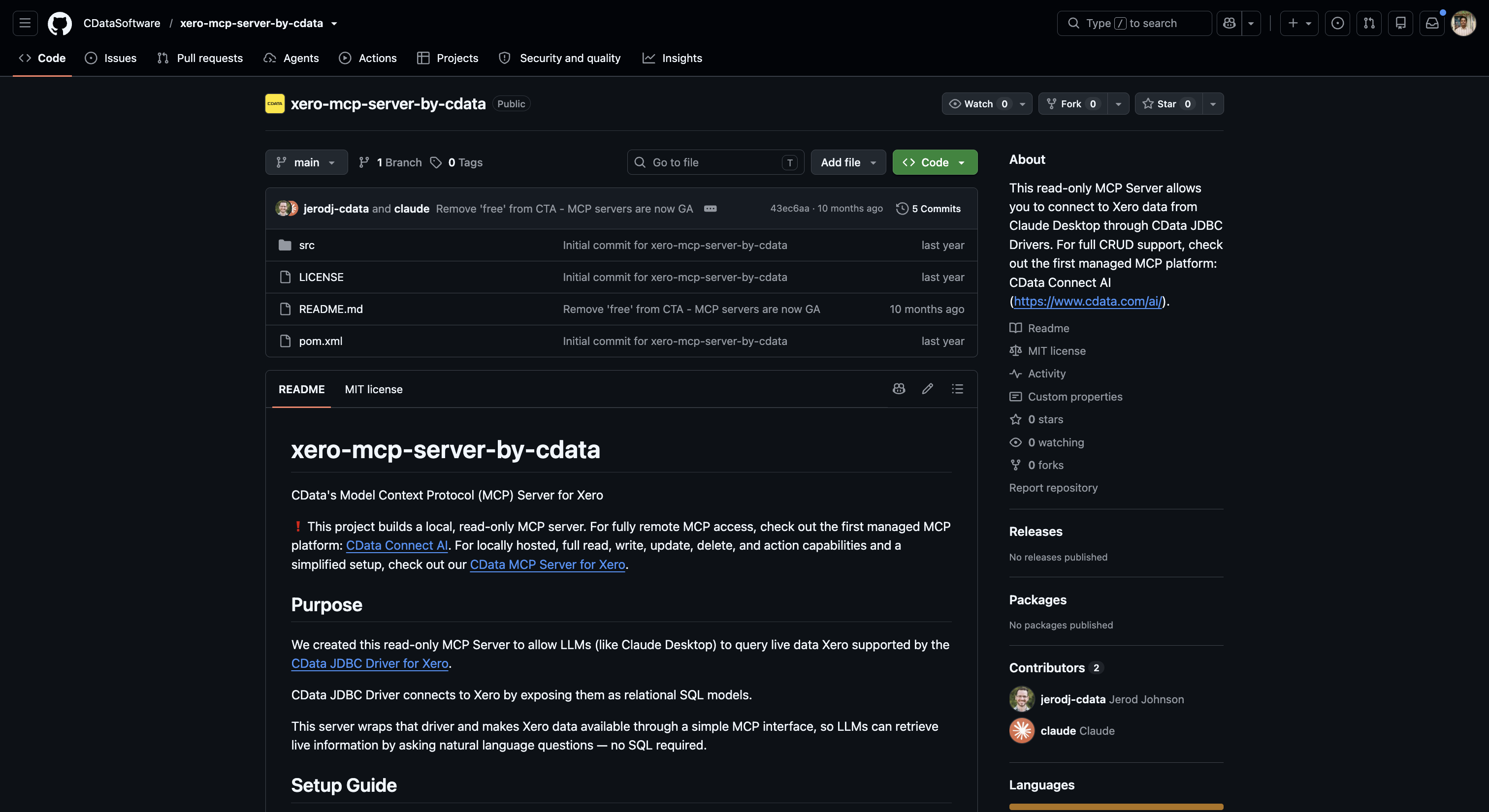 The open-source server is a thin, read-only MCP layer over CData’s JDBC driver, the driver is where the Xero connectivity actually lives.
Read-only here means something stronger than a scope setting. There is no create, update, or delete path in the server at all, so it stays safe against a live organisation even if the underlying Xero credentials were granted accounting.transactions rather than accounting.transactions.read. CData’s own repository points teams to Connect AI when they need write capability.
The pricing is where the “free” label needs an asterisk. The repository is free; the CData JDBC Driver for Xero it depends on is a separately licensed commercial product with its own trial and paid tiers. Getting it running means cloning the repo, building with Maven, installing the driver, and pointing a connection file at your Xero organisation, a Java toolchain, in other words, not a browser tab.
Fits when: one or two organisations, a team comfortable with a local Java process, and a requirement that writing be structurally impossible rather than merely disallowed.
CData Connect AI: governance across many sources, Xero being one
Connect AI is a different product wearing the same brand. It is a commercial, cloud-hosted platform whose pitch is one governed doorway between AI assistants and every system a company runs, several hundred of them, with Xero appearing as one connected source rather than the point of the exercise. Identity-based security and OAuth/SSO sit at the platform level instead of at each connector.
 Connect AI packages CData’s connector ecosystem, Xero included, into a managed platform with central access control.
It also writes. Insert, update, and delete are first-class operations alongside query, scoped per connected system under IT control. That is a real difference in kind from the open-source server, not a hosted version of it, governed write access still means an agent can void a Xero invoice if the scoping permits it.
Pricing: Standard is $99/month ($79/month billed annually), including one user and one data source; Growth is $199/month ($159/month billed annually), adding more source tiers and derived views; Business is custom, with pooled tool calls and enterprise features such as SCIM and premium support. Additional users and data sources beyond each tier’s inclusion are add-ons (pricing as of August 2026).
That “one data source” line on Standard is the number to interrogate. Since each Xero organisation is its own connection, a firm should confirm directly with CData whether each organisation counts as a separate data source before budgeting, the answer changes a 20-client rollout by an order of magnitude.
Fits when: Xero is one of several systems you are standardising AI access to, you would rather not patch a server yourself, and governed write actions are in scope.
The two side by side
| Open-source MCP server | CData Connect AI | |
|---|---|---|
| Where it runs | Local Java process you build and maintain | CData’s cloud, managed endpoint |
| Xero organisations | One per configured connection | One per connected data source |
| Write path | None exists | Insert, update, delete, scoped by IT |
| Auth model | Your credentials, your connection file | Platform identity, OAuth/SSO |
| Cost | Free repo + licensed JDBC driver | $99/mo Standard ($79 annual) → $199/mo Growth ($159 annual) → custom |
| Audit | Whatever you build | Platform-level logging across sources |
| Realistic user | An engineer or analyst | An IT team standardising many sources |
Figures current as of August 2026; re-verify against CData’s own pages, as this category moves monthly.
Where SQL is the wrong shape for the question
SQL earns its place when the question is analytical and the person asking writes queries. Both CData routes serve that person well.
It is the wrong shape in two situations worth naming.
The first is when you wanted tool-shaped access all along. Xero’s own official MCP server exposes Xero as named operations (get a contact, list invoices), which is a better fit for an agent taking a specific action than a general query surface is. Handing a model an arbitrary SELECT and hoping it writes the right one is a different risk profile from handing it a tool that only does one thing.
The second is when the people asking are not technical. A sales rep wanting to know whether Northwind has paid, or a warehouse lead checking a bill, is not going to write a GROUP BY, and giving an AI model an open SQL surface over live books so it can answer them means every question is limited only by what the model chooses to query. There is no per-person scoping in a JDBC connection. There is one credential, and everyone behind it has the same reach.
If that second case is the actual requirement, the shape you want is not SQL. Kipper’s Xero MCP connector is read-only at the architecture level, resolves permissions per person rather than per connection, logs every question and answer, and is scoped to Xero’s supported operational records instead of an open query surface.
FAQ
Does SQL access get around Xero’s API rate limits?
No. A SQL layer sits on top of the same Accounting API and inherits its limits: Xero documents roughly 60 calls per minute and 5,000 calls per day per tenant. Because Xero pages results, one SELECT over a year of invoices becomes many underlying calls, so a query that looks cheap in SQL can be expensive in API budget. Any aggregation happens after the rows are fetched, not inside Xero.
Does the CData Xero MCP server handle more than one Xero organisation?
Not in one connection. Xero partitions everything by tenant, and each Accounting API call names one organisation via the xero-tenant-id header, so a JDBC connection resolves to a single organisation. Reaching five client organisations means five configured connections, and a query spanning all five means running it five times and combining results yourself.
Can I query Xero tracking categories in SQL?
Yes, but not from the invoice header. Xero attaches tracking to individual line items rather than to the invoice, so the driver surfaces it through the line-item table rather than the Invoices table. A GROUP BY on tracking option therefore aggregates line amounts, not invoice totals. Run list_columns against your driver version before writing the query, since the flattened column names vary.
Is the CData Xero MCP server actually free?
The server repository is open source and carries no fee. The CData JDBC Driver for Xero underneath it is a separate, licensed product with its own trial and paid tiers. You get a free wrapper around a commercial driver, so budget for the driver rather than for the MCP server.
Which of the two CData options can write to Xero?
Only Connect AI. The open-source server exposes no create, update, or delete path at all, which is why it stays safe against a live organisation regardless of how the OAuth scopes were granted. Connect AI treats insert, update, and delete as first-class operations scoped per source under IT control, which is governance rather than impossibility.
How does CData Connect AI price a firm with many client organisations?
Standard is $99/month ($79/month billed annually) and includes one user and one data source; Growth is $199/month ($159/month billed annually); Business is custom. Additional users and data sources are add-ons. Since each Xero organisation is a separate connection, confirm with CData whether each one counts as its own data source before pricing a multi-client rollout, because that single answer moves the total considerably.
Connecting several client organisations? See Xero MCP multi-entity and Custom Connections vs OAuth apps.
Weighing every route, not just the SQL one? See Xero MCP servers compared or the Xero MCP guide.
Want tool calls through a managed agent platform instead of SQL? See Connecting an AI Agent to Xero.
Want the whole company able to ask, without an open SQL surface over live books? See Kipper’s Xero MCP connector.