








Connecting an AI Agent to Xero: Tenants, Scopes, and Cost
Pipedream, Composio, and Zapier connect an AI agent to Xero without a server. They differ on tenant_id, OAuth scopes, and what organisation number two costs.
On this page +
See it live
Ask Kipper about your Xero data.
Invoices, supplier bills, purchase orders and credit notes.
Schedule free onboardingNo signup. Runs in your browser.
A Xero connection is never a connection to Xero. It is a connection to one tenant.
That distinction is the first thing that bites anyone wiring an AI agent to Xero, and it is the thing most platform comparisons skip. Xero’s OAuth flow hands back a list of tenants the user authorised, and every subsequent Accounting API call carries an xero-tenant-id header naming exactly one of them. Get that header wrong and you are reading the wrong company’s ledger. Leave it unset and you get nothing at all.
Three managed platforms will handle that plumbing for you without you hosting an MCP server: Pipedream, Composio, and Zapier. They resolve the tenant problem in noticeably different ways, they ask Xero for different OAuth scopes, and they price a second organisation on completely different terms. This post sorts them on those three axes rather than on feature-count.
Why does every Xero connection resolve to one tenant?
Running Xero’s official MCP server, or a community build, means you own the Developer app, the Custom Connection or OAuth grant, the refresh-token rotation, and the process it all runs in. These three platforms take that over. You authorise Xero through their hosted consent flow, they store and refresh the tokens, and your agent calls their endpoint.
What they cannot take over is Xero’s tenancy model. One authorised connection means one organisation. A group with a trading company, a holding company, and a property entity is three grants, three token sets, and three separate things for the agent to keep straight, and if the agent picks the wrong one, the numbers it returns will look perfectly plausible. That is the failure mode worth designing against: not an error message, a confidently wrong answer about the wrong entity.
So the useful question when comparing these platforms is not “which has more Xero actions.” It is: how many Xero organisations am I connecting, and who authorises each one?
What scopes are you actually handing over?
Before the tenant question comes the consent screen. Agent platforms ask for OAuth scopes the way a house guest asks for the Wi-Fi password: early, and for everything.
All three platforms ship create and update actions, which means the scopes they request are the write ones (accounting.transactions, accounting.contacts), not the .read variants. Xero splits these deliberately:
| Scope | What it permits |
|---|---|
accounting.transactions.read |
Read invoices, bills, credit notes, payments |
accounting.transactions |
The above, plus create, update, and void |
accounting.contacts.read |
Read contacts and contact groups |
accounting.contacts |
The above, plus create and update |
accounting.settings.read |
Read tracking categories, tax rates, currencies |
accounting.reports.read |
Read Xero’s report endpoints |
offline_access |
Refresh tokens, so the agent keeps working past 30 minutes |
Xero lists every requested scope on the consent screen before you click authorise. Read it there, because none of these platforms will narrow the request on your behalf, the tool catalogue is the reason they exist, and the tool catalogue needs write scopes. If read-only access is a hard requirement, that requirement is not satisfied by any of the three, and the fix is architectural rather than configurational.
For a fuller breakdown of which scope covers which endpoint, see Xero MCP scopes explained.
Pipedream Connect: built for many client organisations
Pipedream’s Xero integration is the one whose architecture matches Xero’s tenancy model rather than fighting it. Connect exists so a developer can offer Xero, plus 3,000-odd other apps, as tools inside their own product, with Pipedream holding a separate OAuth grant for each of your end users. One user, one grant, one tenant. That is the shape an accounting firm or a multi-entity group already has.
The Xero component registry names its actions plainly: create-invoice, get-contact, and siblings, exposed through a managed Xero Accounting MCP server. (Workday agreed to acquire Pipedream in November 2025; the deal has since closed.)
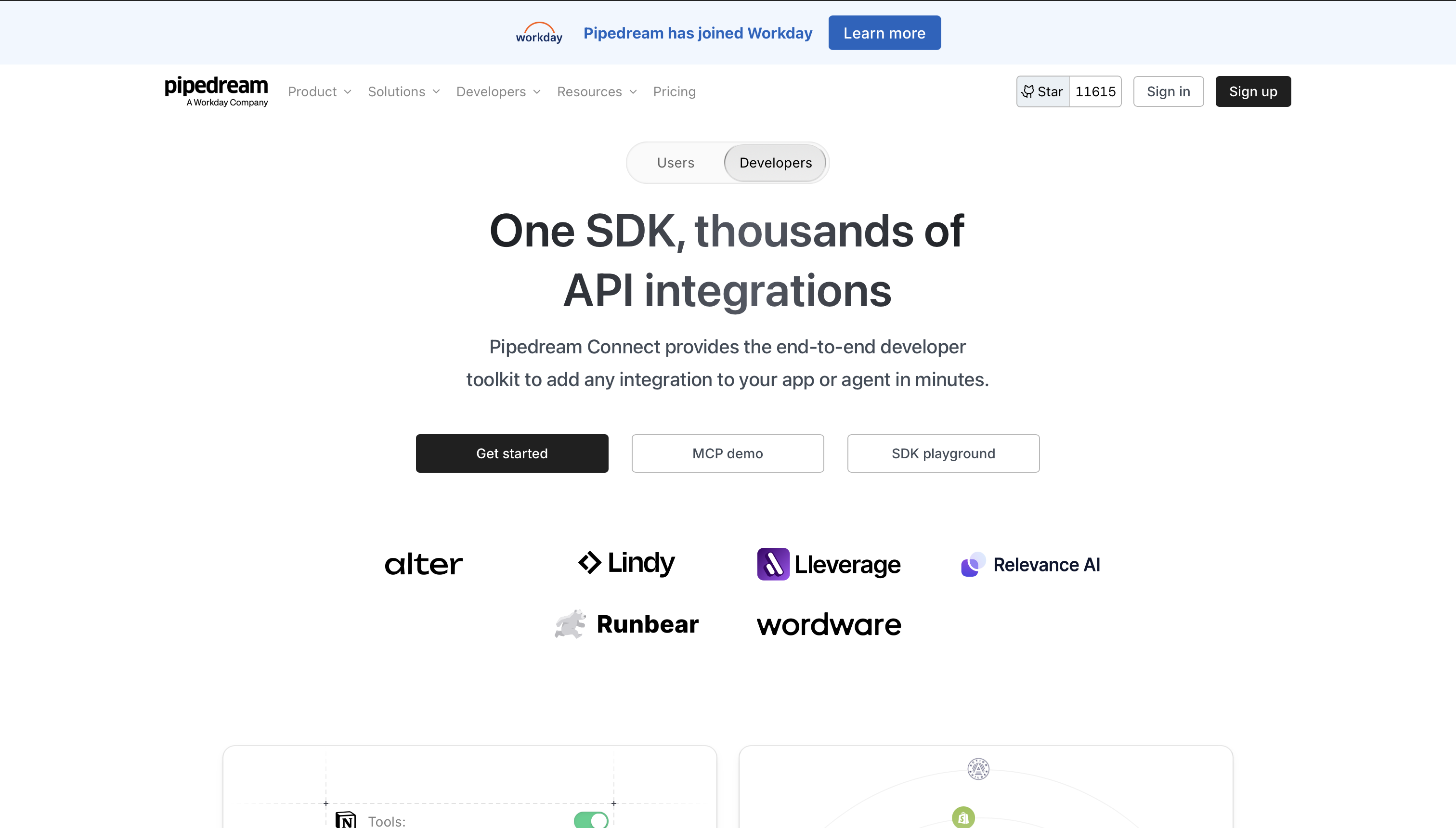 Pipedream Connect holds one OAuth grant per end user, which maps cleanly onto one Xero tenant per client organisation.
Pricing is credit-based: 100 credits/month free, and the paid Connect tier is $99/month for a larger credit allowance plus $2 per connected end user (pricing as of August 2026). That per-user line is the one to notice, it is the only pricing model of the three that puts an explicit number on organisation twenty.
Where it lands: you are connecting many Xero organisations that other people own and authorise, client books at a firm, or customer accounts inside your own product.
Composio: a Xero toolkit for agent products
Composio’s Xero toolkit is aimed at people building agents and assistants, not at end-user automations. Its tool surface stays inside Xero’s own vocabulary (Get Contacts, Get Quotes, Update Invoice), covering contacts, invoices, and quotes rather than sprawling across every app on earth. Composio manages the OAuth handshake, token refresh, and scope grants, and its Tool Router picks the relevant tool at call time so the agent is not handed the whole catalogue on every turn.
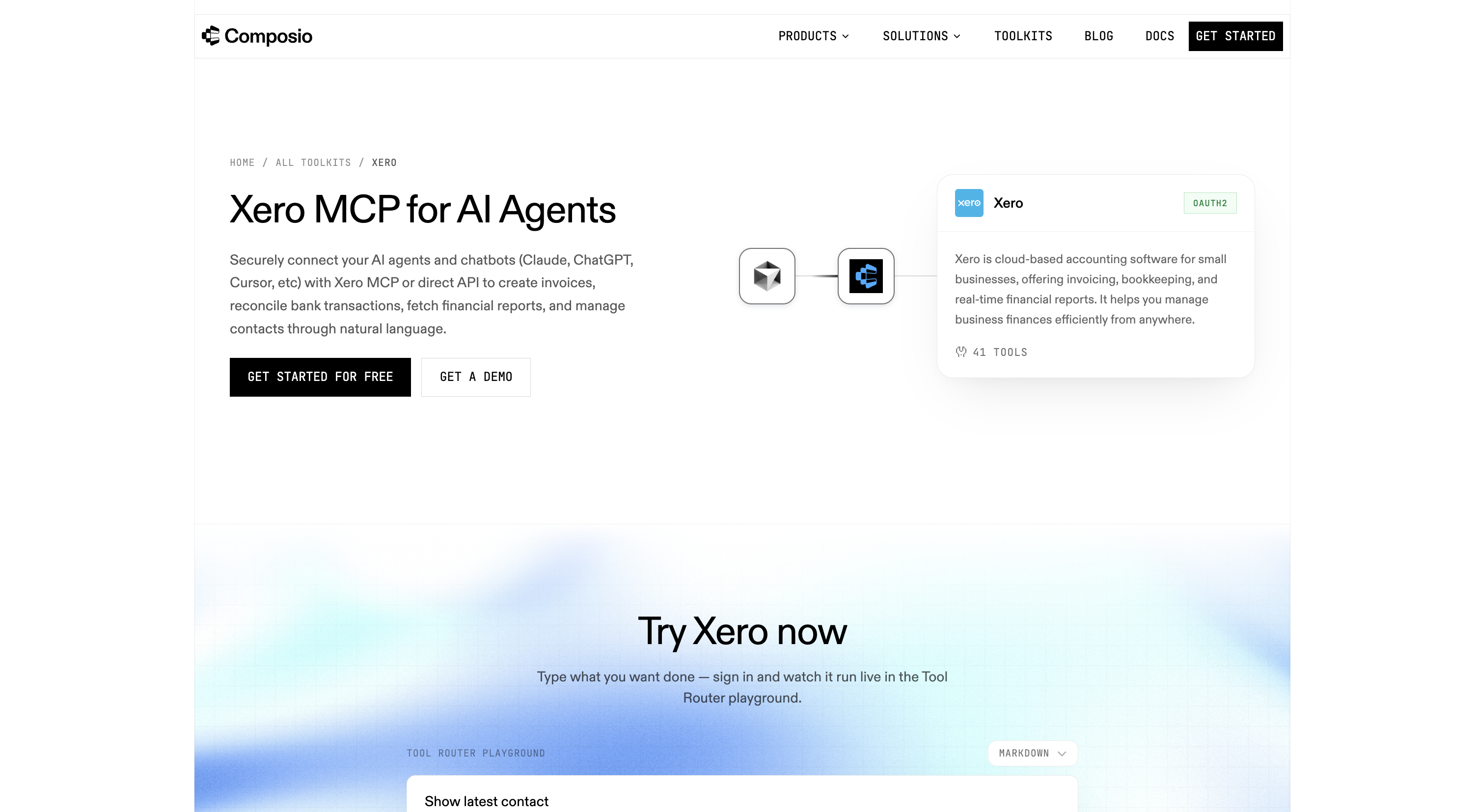 Composio keeps its Xero surface inside Xero’s own nouns: contacts, invoices, quotes.
Setup runs through the SDK rather than a click-through UI: initialise the client, create a Tool Router session, point the agent at the resulting MCP endpoint over HTTP.
Pricing meters tool calls, 20,000/month free, $29/month for 200,000, $229/month for 2 million, with per-call overage above each tier (pricing as of August 2026). Connections are not the billed unit, so a second Xero tenant costs only the calls it generates.
Where it lands: you are building an agent or chatbot product, one or two Xero organisations are in scope, and you want the auth handled without a no-code layer in the middle.
Zapier: Xero as one app among 9,000
Zapier’s MCP offering treats Xero as one entry in a very large catalogue. Its Xero actions, create and send an invoice, add a line item to an existing invoice, find a contact, sit behind the same endpoint as thousands of actions across 9,000+ apps. “Find Northwind and send them last month’s invoice” resolves to chained calls, the same steps you would drag into a Zap, triggered by an agent instead of a webhook.
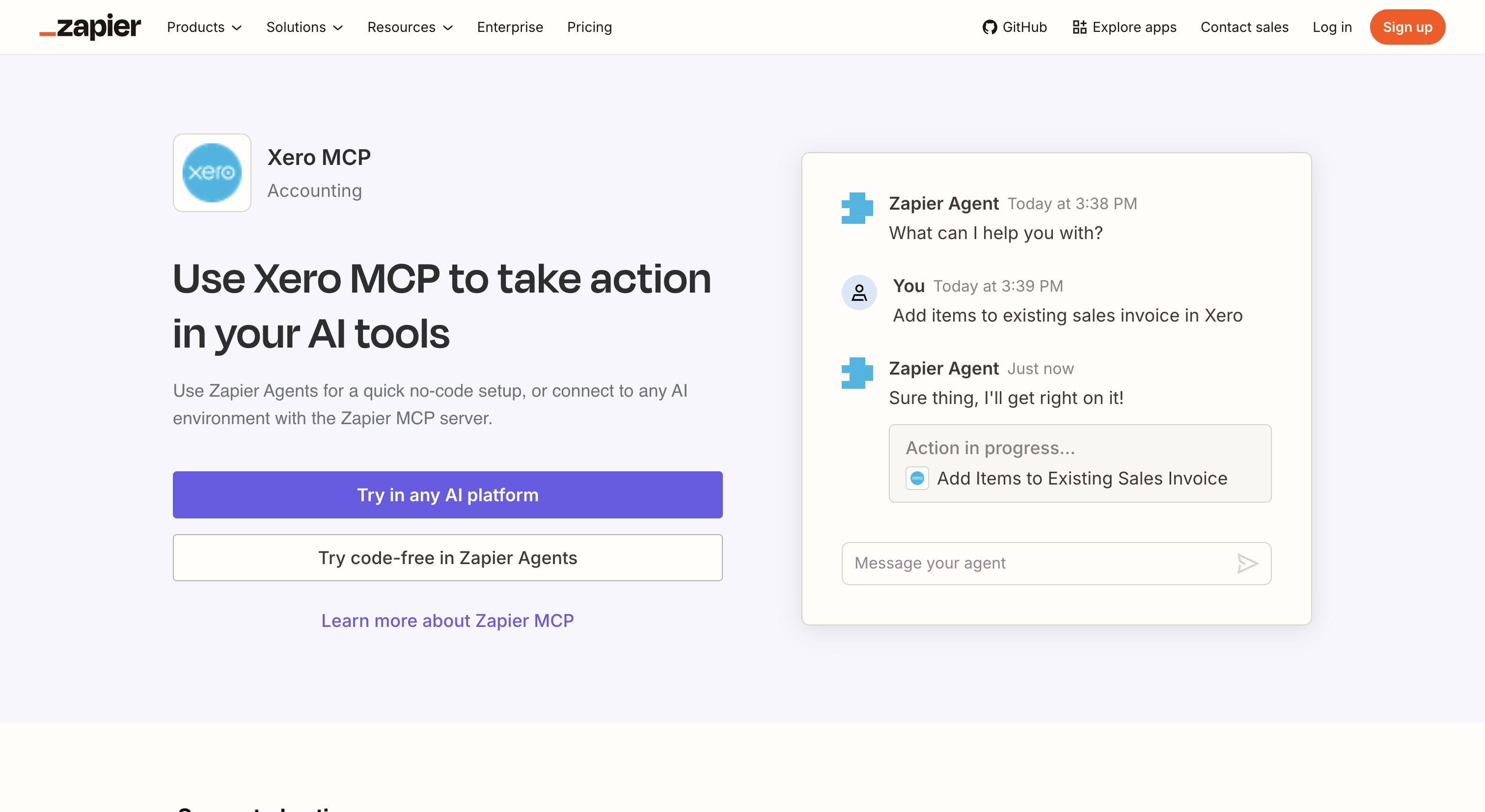 Zapier’s value is breadth: Xero alongside the CRM, the docs tool, and the messaging app in one agent run.
The reason to pick it is rarely Xero depth. It is that the same agent run also needs to touch HubSpot, Google Drive, and Slack, and Zapier is the only one of the three with that reach.
There is no separate MCP bill. Every tool call spends two tasks from the plan quota your Zaps already draw on (pricing as of August 2026), which is easy to forecast if you track task burn today and much less so once an agent is deciding for itself how often to call something.
Where it lands: Xero is one stop on a multi-app workflow, and breadth beats depth.
What organisation number two costs on each platform
The pricing pages are not comparable on a single number, because the three meter different units, and only one of them meters the thing Xero actually partitions by.
| Pipedream Connect | Composio | Zapier MCP | |
|---|---|---|---|
| Billed unit | Credits + connected end users | Tool calls | Tasks (2 per MCP call) |
| Free tier | 100 credits/mo | 20,000 calls/mo | Existing plan quota |
| Entry paid tier | $99/mo + $2 per connected user | $29/mo for 200K calls | Plan-based |
| Next tier | Custom / Enterprise | $229/mo for 2M calls | Higher plans |
| Cost of a 2nd Xero tenant | +$2/mo, explicitly | Only the extra calls | Only the extra tasks |
| Who authorises each tenant | Each end user, individually | You | You |
Figures current as of August 2026; re-verify against each vendor’s own pricing page, as this category moves monthly.
The last two rows are the ones that decide a firm-scale rollout. Composio and Zapier look cheaper per organisation because they do not bill connections at all, but they also do not manage the per-client authorisation flow, so at fifteen client organisations you are building that yourself. Pipedream charges for it and gives you the flow.
How should you run the first test?
Because all three authorise through standard Xero OAuth apps rather than Custom Connections, your Demo Company shows up in the organisation picker on Xero’s consent screen. Use it. Custom Connections cannot reach a Demo Company at all, which makes these platforms the easier route for a first evaluation, you can let an agent create, update, and void things without touching real books.
Two caveats. Xero resets a Demo Company on a schedule, so anything the agent writes there is temporary by design. And the Demo Company is thin on the data that actually breaks agents: few tracking categories, little multi-currency history, no long tail of part-paid AUTHORISED invoices. Prove the connection works there, then re-test the questions that matter against a real organisation with read scopes only.
Where the Xero-specific detail goes missing
Three things worth verifying against a real invoice before you trust an answer from any of these platforms:
- Tracking categories live on line items, not on the invoice. Xero allows two active tracking categories per organisation, and their values attach to
LineItems[].Tracking, not to the invoice header. A tool that returns an invoice summary can silently drop them, and an agent asked to break revenue down by region will then either refuse or improvise. - Multi-currency invoices carry two numbers.
CurrencyCodeandCurrencyRatesit alongsideTotalandAmountDue. A tool that returnsTotalalone hands the agent a figure with no unit attached, which is how a NZD invoice ends up summed with a GBP one. - Status is not binary. DRAFT, SUBMITTED, AUTHORISED, PAID, VOIDED, and DELETED all exist, and “unpaid invoices” means AUTHORISED with
AmountDue > 0, not merely “not PAID”. An agent that filters on the wrong status returns a number that is wrong in a direction nobody notices.
None of these are platform defects. They are Xero’s data model showing through a generic tool wrapper, and they are the reason a Xero-shaped answer needs a Xero-shaped test.
The question none of the three ask: who is asking?
All three solve authentication and tool access. None of them solve authorisation in the sense a finance team means it.
Each platform authenticates as the connection, not as the person typing. The agent has whatever the OAuth grant has, so a question from a sales rep and a question from the CFO reach the same scopes, the same tenant, and the same data. Write access is the point of the product rather than a setting to disable. And the audit trail is the platform’s own call log, a record of which tool fired, not of who asked what about which organisation and what came back.
Two questions have been running through this post, and they deserve separating before the end. How many organisations can I reach? is the firm’s question, and the answer above stands unchanged: Pipedream Connect, on structure. Kipper does not compete there, it connects one Xero organisation per workspace, so thirty client tenants is not the shape it fits. Who is allowed to ask, and what did they ask? is the other question, and it belongs to the single set of books with two hundred people behind it. Kipper’s Xero MCP connector answers that one: read-only at the architecture level rather than by scope selection, permissions resolved per person rather than per connection, and every question and answer logged.
FAQ
Can one Zapier, Composio, or Pipedream connection reach more than one Xero organisation?
Not implicitly. Xero’s OAuth flow returns a list of tenants, and every Accounting API call carries an xero-tenant-id header naming exactly one of them. On these platforms each authorised connection resolves to a single tenant, so reaching a second organisation means a second authorised connection. Pipedream Connect is the one built around that pattern, since it manages a separate OAuth grant per end user by design.
Which Xero OAuth scopes do these platforms ask for?
Each platform requests the scopes its own tool list needs, and because all three ship create and update actions, that request includes write scopes such as accounting.transactions and accounting.contacts rather than their .read counterparts. Xero shows the full list on the consent screen before you authorise, so read it there. If you only want lookups, none of the three will narrow the request for you.
Can I test a Xero AI agent against the Demo Company first?
Yes, and you should. These platforms authorise through standard Xero OAuth apps rather than Custom Connections, so the Demo Company appears in the organisation picker on the consent screen alongside your real ones. Custom Connections cannot connect to a Demo Company at all, which is one practical reason to start an agent evaluation here. Note that Xero resets a Demo Company periodically, so anything the agent writes is temporary.
Which platform fits an accounting firm with many client organisations?
Pipedream Connect, on structure. Its per-end-user model maps onto one OAuth grant per client organisation, and it bills $2 per connected end user on top of the $99/month Connect tier, so the cost of client number twenty is legible in advance. Composio and Zapier meter volume rather than connections, which makes a second tenant cheap but leaves you managing the connections yourself.
Can an agent on these platforms change an AUTHORISED invoice?
Given a write scope, yes, within what the Xero API itself allows. Xero blocks some edits once an invoice moves past DRAFT and has payments applied, but plenty is still reachable: voiding, editing an untouched AUTHORISED invoice, updating a contact’s details. None of the three platforms adds a rule on top of Xero’s own, so the guardrail has to be the scope you grant, not the platform.
Do these platforms handle Xero tracking categories and multi-currency correctly?
Partially, and it is worth checking before you trust an answer. Tracking categories live on invoice line items rather than the invoice header, so a tool that returns an invoice summary may drop them entirely. Multi-currency invoices carry both a CurrencyCode and a CurrencyRate, and a tool returning only Total leaves the agent to guess which currency it is in. Confirm both against a real invoice rather than assuming.
Connecting more than one organisation? Start with Xero MCP multi-entity and Custom Connections vs OAuth apps.
Weighing every route, not just the managed three? See Xero MCP servers compared or the Xero MCP guide.
Would you rather write queries than call tools? See SQL access to Xero via CData.
Need answers your team can be trusted with, rather than an agent with write scopes? See Kipper’s Xero MCP connector.