









Xero MCP Server: 6 Ways to Connect AI to Your Books
Compare the Xero MCP options: Xero's official server, managed platforms like Composio and Pipedream, Zapier, and hosted read-only access via Kipper.
On this page +
See it live
Ask Kipper about your Xero data.
Invoices, supplier bills, purchase orders and credit notes.
Schedule free onboardingNo signup. Runs in your browser.
Xero has an official MCP server, which makes the Xero market simpler than some accounting systems. But “there is an official server” does not mean there is only one practical choice. Developers, automation builders, and finance teams need different shapes: raw local tools, managed auth platforms, no-code workflow actions, or a governed read-only layer for the whole company. If you’re still weighing MCP vs API, start there.
Compared in this post:
- Xero’s official MCP server
- Community and unverified servers
- Composio
- Pipedream Connect
- Zapier
- Kipper
Xero’s official MCP server
XeroAPI/xero-mcp-server is the starting point for developers. Xero publishes it on GitHub and npm as @xeroapi/xero-mcp-server. It runs locally as a stdio server and can be added to MCP-compatible clients such as Claude Desktop and Codex.
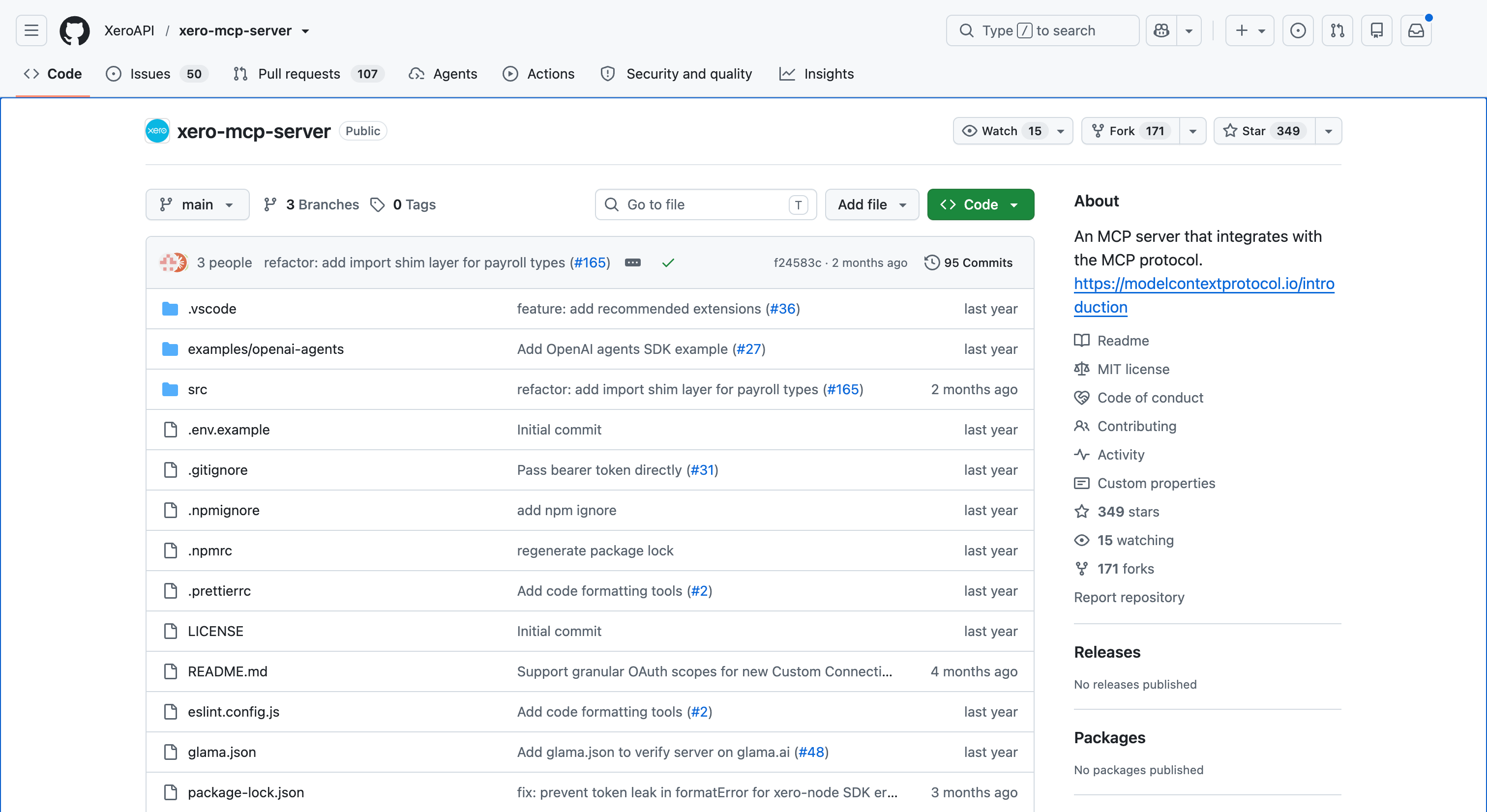 Xero’s official MCP server is published as an open-source GitHub repository for developer-run local setups.
The server supports Xero OAuth2 authentication through Custom Connections, which are one-to-one connections for a specific organisation, and bearer-token mode for clients that handle OAuth themselves. Its tool surface includes organisation details, accounts, contacts, invoices, payments, reports, bank transactions, tracking categories, items, quotes, credit notes, and selected payroll tools.
The important safety point is scopes. Xero MCP is not inherently read-only. If you authorise write-capable scopes, write-capable tools can be available. For first tests, use Xero’s built-in Demo Company and a narrow read scope.
Choose it when: a developer or technical finance operator is comfortable managing Xero Developer setup, scopes, secrets, and local MCP client configuration.
Are community and unverified servers safe to use?
There are community Xero MCP repositories and marketplace listings, but this is a changing space. Treat any unfamiliar server as code to audit, not a finished product to trust with production accounting data.
Before connecting one to Xero, check:
- Who maintains it and how recently it changed
- The licence
- Where Client IDs, secrets, bearer tokens, and refresh tokens live
- Every registered tool, especially create, update, approve, and delete tools
- Whether it supports the current Xero scope model
Choose one when: the deployment shape solves a specific technical problem and your team can review the code first.
Composio
Composio offers a Xero toolkit for AI agents and MCP-style tool access. It is aimed at builders who want managed auth, hosted tool routing, and many SaaS integrations in one place. The Xero toolkit is action-oriented: useful for agents that need to fetch records, create invoices, manage contacts, or drive finance workflows across other systems.
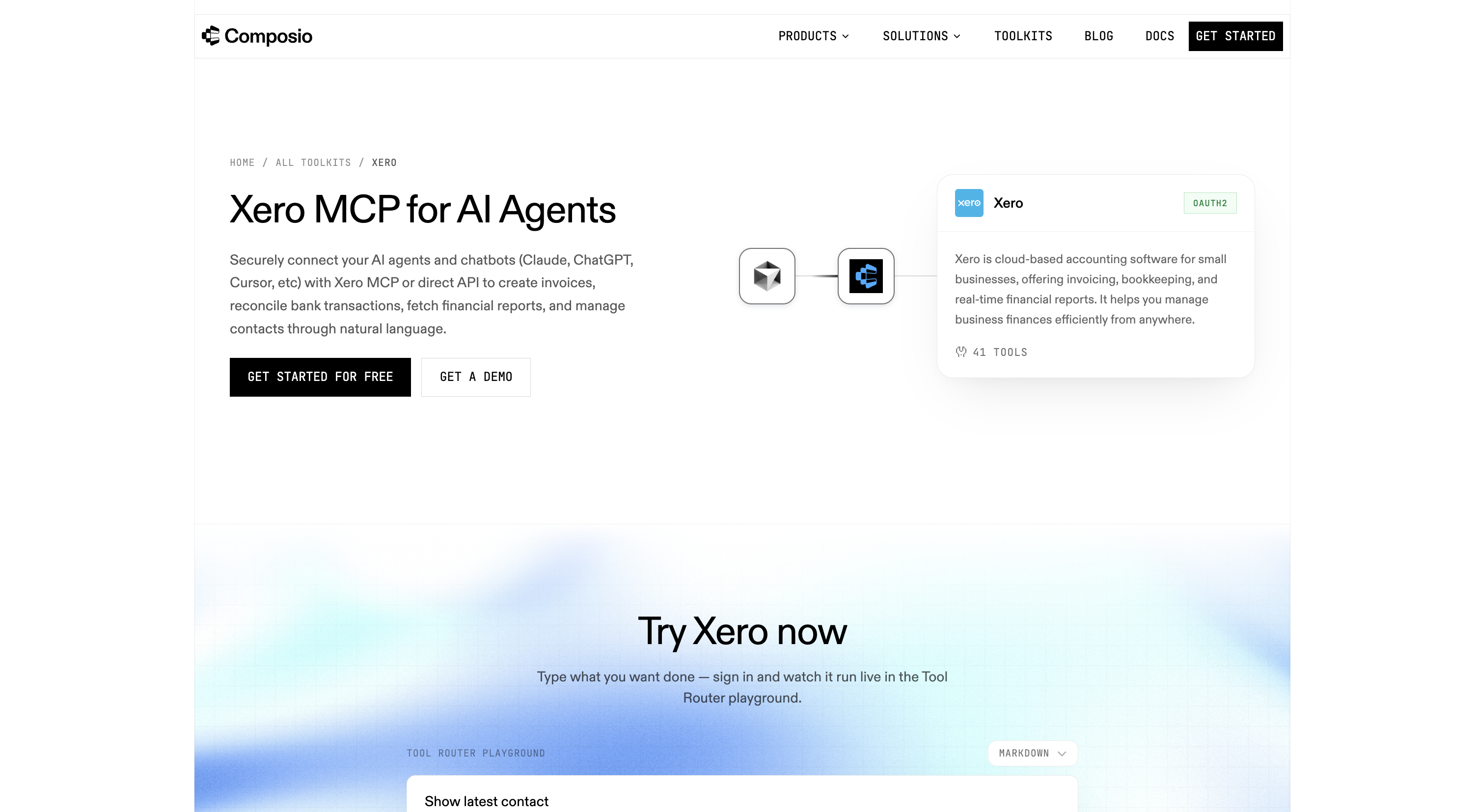 Composio packages Xero as a managed toolkit for agent builders who want hosted auth and tool routing.
That strength is also the governance question. If an agent can take actions in Xero, the person or system holding that connection should be treated like a trusted operator.
Choose it when: you are building an agent product and want Xero plus many other tools without maintaining every OAuth integration yourself.
Pipedream Connect
Pipedream Connect is built for adding app integrations to your own product or agent. It provides managed end-user auth and prebuilt app actions, with MCP tool calls counted through its credit model.
 Pipedream Connect fits product teams embedding app actions and managed auth into their own agent or application.
This fits a software team embedding Xero access into an application. It is less naturally suited to a non-technical finance team that simply wants audited finance answers in Slack or the same inside Microsoft Teams.
Choose it when: your product needs embedded Xero actions and you are already thinking in credits, external users, and developer-managed workflows.
Zapier
Zapier is best understood as an automation platform with Xero actions and broad MCP support, not as a Xero-specific accounting MCP server. It is excellent when the desired outcome is a workflow: create a record, notify a team, copy data into another app, or connect Xero to a CRM or spreadsheet process.
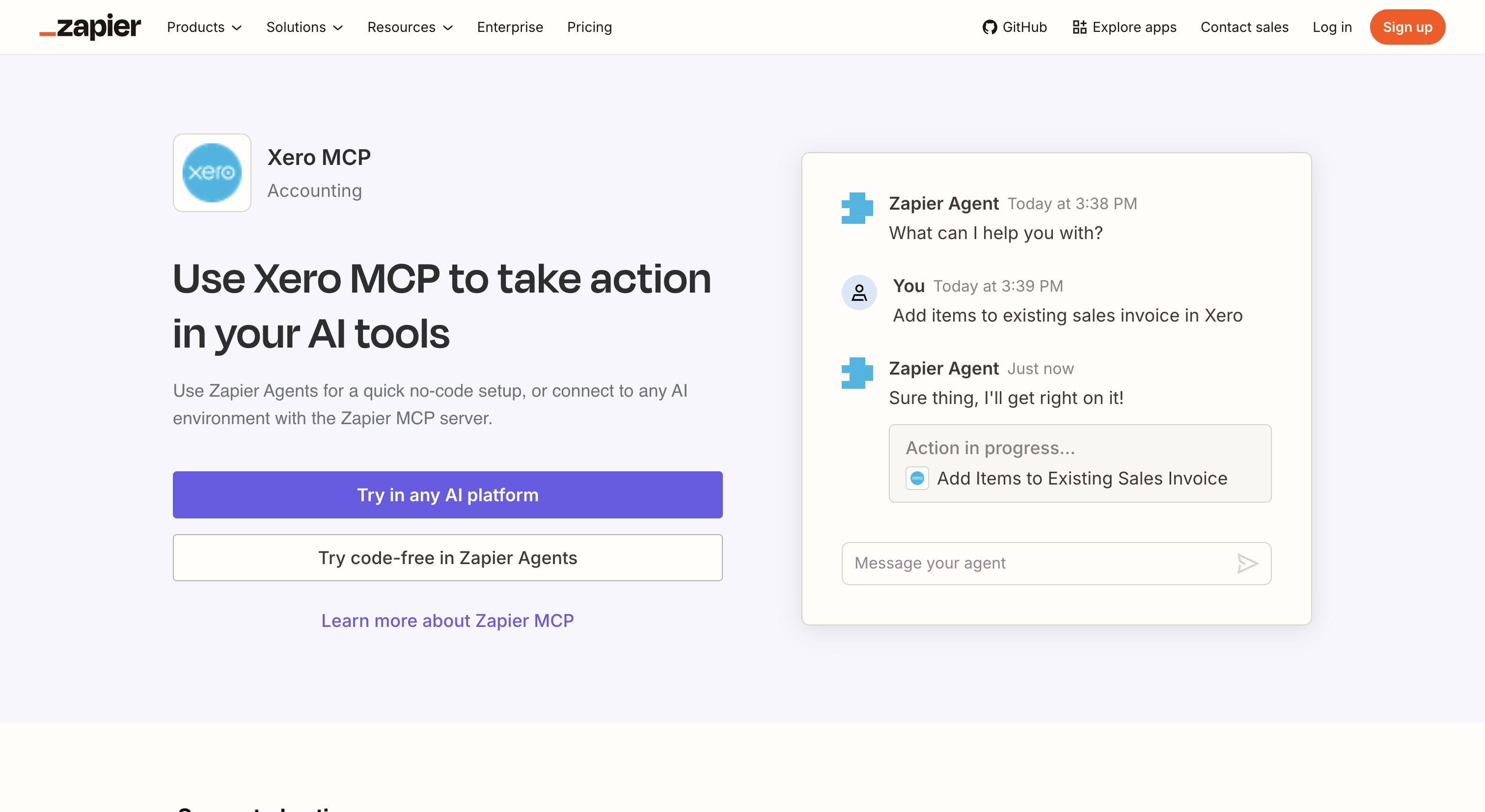 Zapier’s Xero route is strongest for no-code workflows and action automation, not read-only accounting Q&A.
For self-serve finance questions, be careful. Automation platforms are designed to do things. If the use case is “let many employees ask about invoices safely,” action-first access needs tighter controls.
Choose it when: you want no-code workflows around Xero and the people controlling those workflows are trusted to make changes.
Those three platforms are compared head-to-head, including what a second Xero organisation costs on each, in Connecting an AI Agent to Xero.
Kipper
Kipper is built for the team case: governed answers instead of raw tools. It connects to Xero once, keeps access read-only by architecture, enforces per-user permissions, and logs every question and answer. The same connection can answer in Slack, Microsoft Teams, by text message, and in MCP-enabled AI clients, including Xero lookups from Claude, the equivalent in ChatGPT, and the same in Gemini, through the Kipper MCP beta.
That connection answers Xero questions through Slack, ChatGPT, Claude, Gemini, and SMS.
Kipper gives teams a read-only answer layer over Xero, with permissions and logging around every question.
It is a paid hosted product, and it is intentionally not for write workflows. That is the point. If a salesperson, support lead, or operator asks whether an invoice was paid, the answer should come back quickly without giving that person a Xero login or an AI that can edit the books. Where they need the document rather than the number, the invoice PDF comes back the same way.
Choose it when: the audience is finance, operations, sales, leadership, or the wider company, and read-only access plus audit logging matters more than raw tool count.
The comparison at a glance
| Xero official | Community servers | Composio | Pipedream | Zapier | Kipper | |
|---|---|---|---|---|---|---|
| Built for | Developers | Developers | Agent builders | Product teams | Automation builders | Finance teams |
| Runs | Local stdio | Varies | Composio cloud | Pipedream cloud | Zapier cloud | Kipper cloud |
| Write access | Scope-dependent | Verify | Yes, tool-based | Yes, action-based | Yes, action-based | Impossible by architecture |
| Per-user permissions | No | Usually no | Managed auth | Managed auth | Scoped by account/workflow | Yes, per query |
| Audit trail | No | Varies | Platform logs | Platform logs | Task history | Every Q&A logged |
| Price | Free server + Xero costs | Free + review time | Free tier, paid usage tiers | Credits + external users | Plan and task based | $200/mo, 14-day trial |
Verified from vendor docs, READMEs, and pricing pages in July 2026. Re-check before relying on pricing or exact tool surfaces; pricing as of August 2026.
The two questions that sort the market
Read or write? Xero’s official server and most managed platforms can expose write actions when write scopes are authorised. That is useful for a controlled automation builder. It is a risk for broad self-serve access. Start with the Demo Company, use read scopes first, and only add write scopes when the business owner approves the workflow.
One user or the whole team? A local MCP server is a technical user’s tool. Every machine needs config, credentials, updates, and troubleshooting. Team access means identity, permissions, logging, and support. If the whole company is asking, the MCP server is only one part of the system.
FAQ
Is there an official Xero MCP server?
Yes. Xero publishes XeroAPI/xero-mcp-server on GitHub and @xeroapi/xero-mcp-server on npm. It is MIT-licensed and runs as a local stdio MCP server.
Is Xero MCP free?
The official server package is free and open source. You still need a Xero account, Xero Developer setup, authorised scopes, credentials, and any Xero Developer/API pricing that applies to your use case.
Is Xero MCP read-only?
Not automatically. Xero MCP access depends on the tools exposed by the server and the scopes authorised in Xero. Start with read-only scopes and the Demo Company before granting broader access.
Which Xero MCP option is safest for company data?
For broad team access, choose an option that cannot write and has per-user permissions plus audit logging. Kipper is read-only by architecture; raw local and platform options depend on scope and action configuration.
Can my whole team use a local Xero MCP server?
A local stdio server is best for one technical user. Wider team access requires centralised auth, permissions, logging, and support, either built internally or supplied by a hosted provider.
For the full hub, read The Ultimate Guide to Xero MCP. For the developer route, start with How to Set Up Xero MCP Server (Developer Guide). For governed team access, see Kipper’s Xero MCP connector. For a SQL surface over the same books, see SQL access to Xero via CData.