









How to Connect Xero MCP to ChatGPT
Connect Xero data to ChatGPT with MCP. Learn why ChatGPT needs a remote MCP server, what the official Xero server supports, and the safest setup paths.
On this page +
See it live
Ask Kipper about your Xero data.
Invoices, supplier bills, purchase orders and credit notes.
Schedule free onboardingNo signup. Runs in your browser.
ChatGPT can use MCP to connect to external tools and data, but there is one important difference from Claude Desktop or Codex: ChatGPT does not directly launch a local stdio MCP server from your laptop.
That matters for Xero. Xero’s official MCP server is documented as a Node/npm server that runs locally for clients such as Claude Desktop. To use Xero MCP in ChatGPT, you need one of these routes:
- A hosted Xero MCP layer such as Kipper’s Xero ChatGPT connector
- A remote HTTPS MCP server that wraps or hosts your Xero access
- A supported secure tunnel for development
If you only want to test the official server locally, start with How to Set Up Xero MCP Server (Developer Guide), How to Connect Xero MCP to Claude Desktop, or How to Connect Xero MCP to Codex. This guide is specifically about the ChatGPT shape.
What You Need
Before connecting Xero MCP to ChatGPT, make sure you have:
- A ChatGPT plan and workspace where developer mode or custom MCP apps are allowed
- A remote MCP server URL, normally an HTTPS
/mcpendpoint - A Xero Developer app or Custom Connection
- Xero Client ID and Client Secret, or another secure auth method
- The Xero scopes required for the tools you want ChatGPT to use
- A safe test organisation, ideally Xero’s built-in Demo Company
Do not paste Xero secrets into ChatGPT messages. Secrets belong in the MCP server environment or a secret manager.
If you still need to create and authorise a Xero Custom Connection for local testing, follow the local Xero MCP setup guide first. The Xero-side setup is separate from the ChatGPT app configuration below.
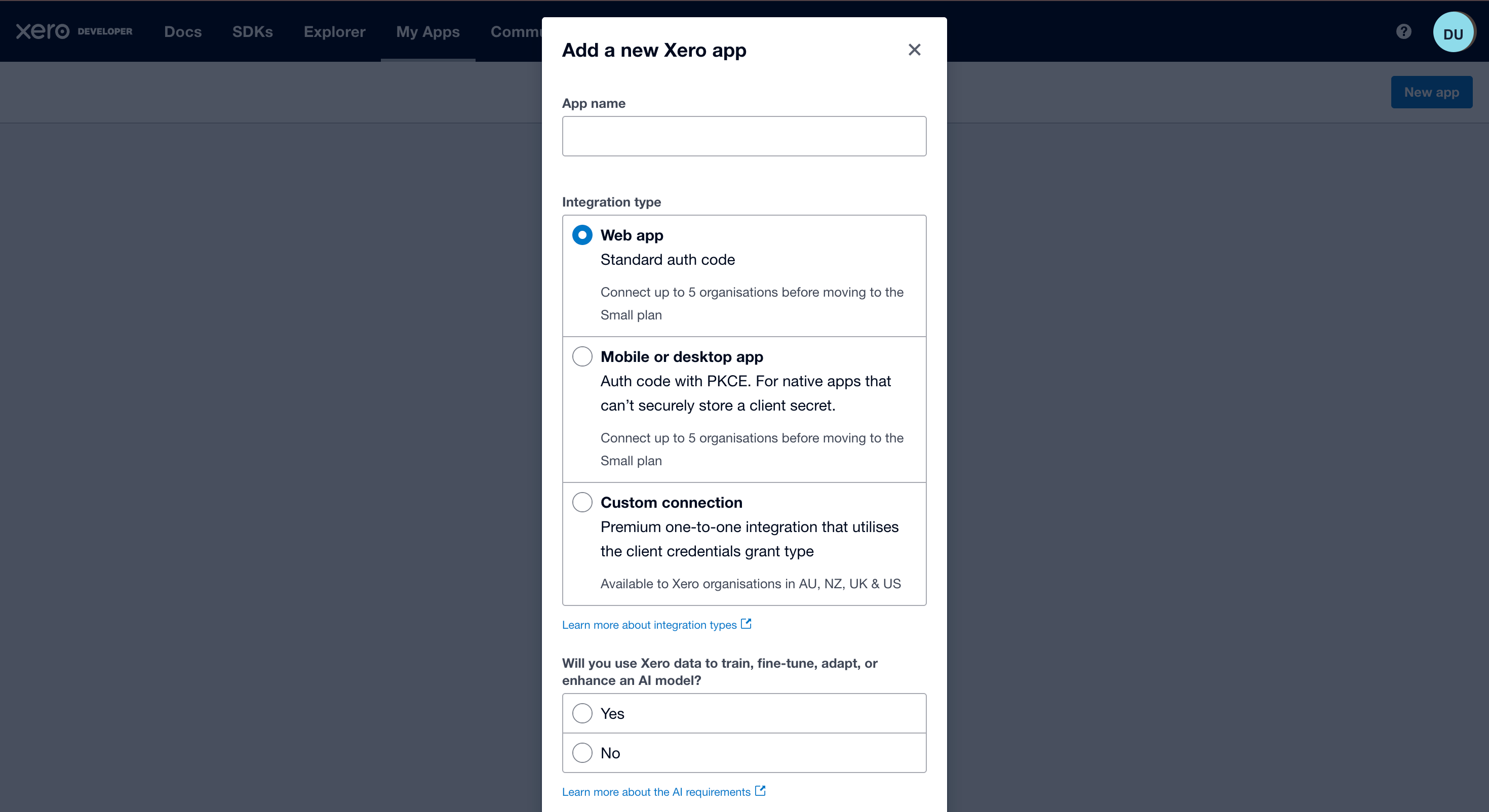
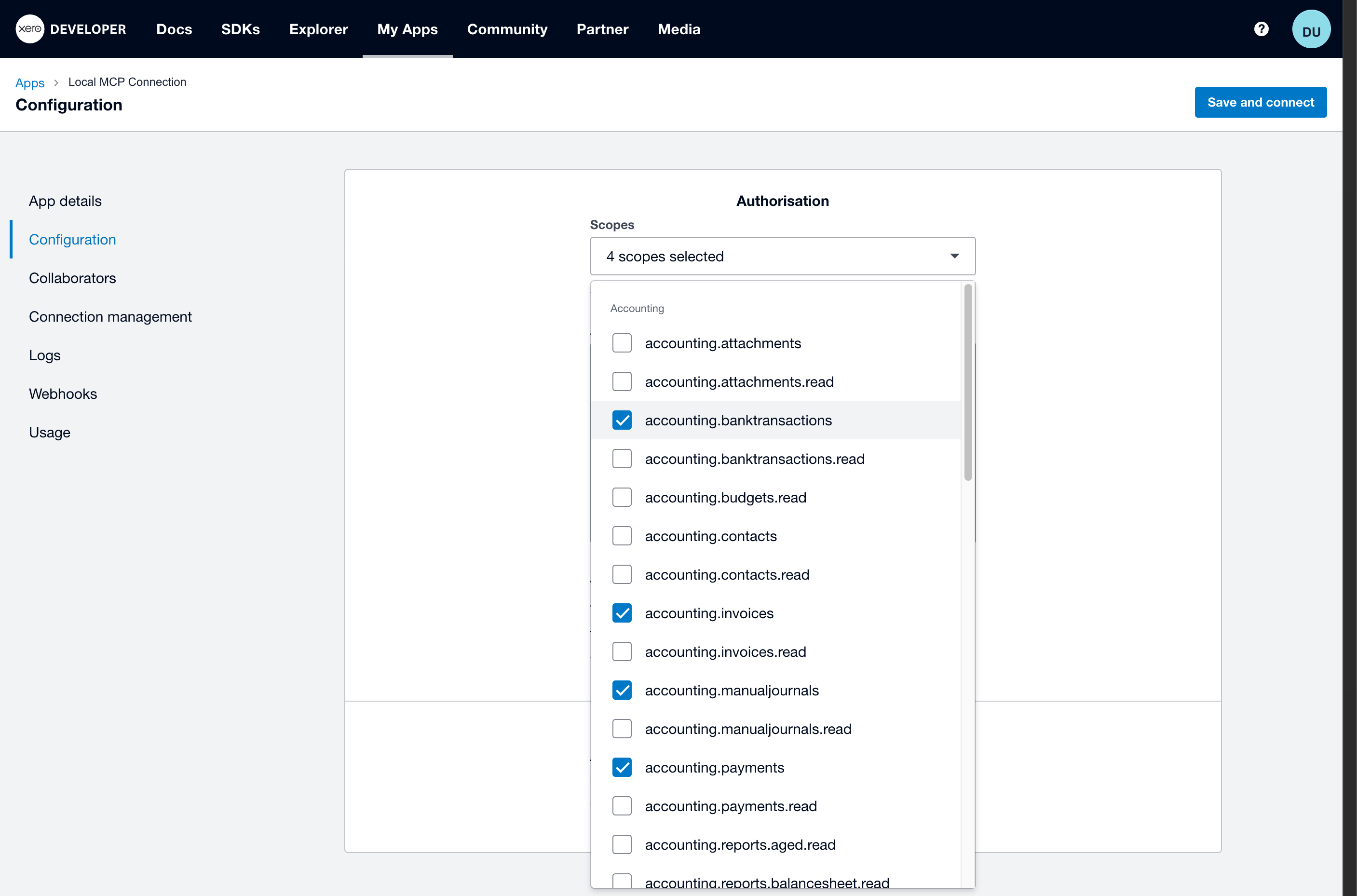
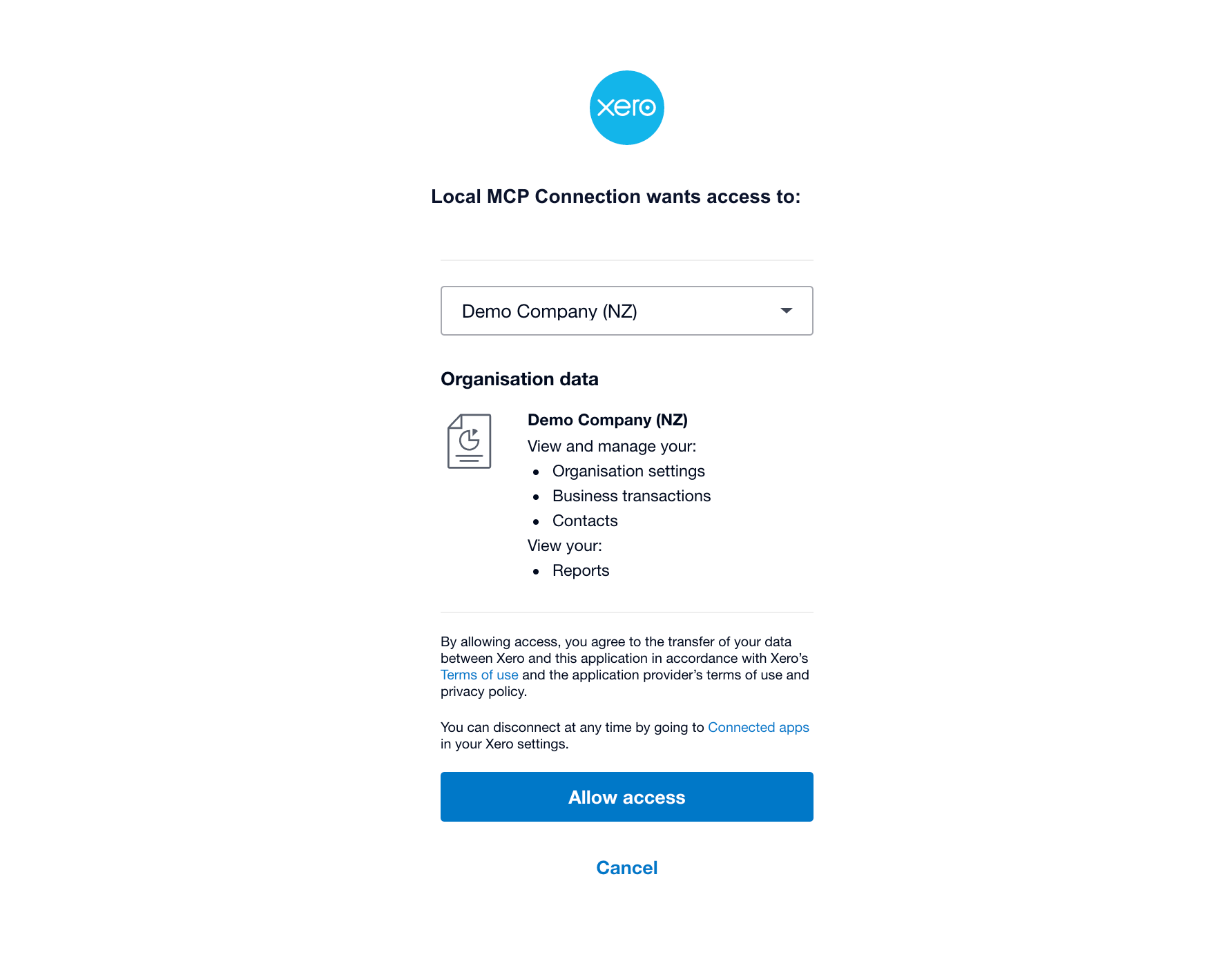
Step 1: Choose the Connection Route
Pick the route before touching scopes.
| Route | Best for | What you manage |
|---|---|---|
| Hosted provider | Finance and operations teams | Vendor onboarding and permissions |
| Remote MCP server | Developers building an internal app | Hosting, auth, scopes, logs, updates |
| Secure tunnel | Development testing | Local server, tunnel, temporary endpoint |
For broad company access, use the hosted route. For developer testing, use a remote or tunneled MCP endpoint. For a purely local test, use Claude Desktop or Codex instead.
Step 2: Start With Read-Only Xero Scopes
For the safest first test, use a scope that can prove the connection without exposing invoices, payments, or write actions:
accounting.settings.readThat is enough for organisation-detail tests. For invoices, add:
accounting.invoices.readAdd broader scopes only when you know the exact tools ChatGPT needs. Do not add invoice, payment, bank transaction, journal, or payroll write scopes for a basic question-answering setup.
Step 3: Make the MCP Server Reachable to ChatGPT
ChatGPT needs a reachable MCP endpoint. For a developer-mode app, OpenAI’s docs describe using a public HTTPS /mcp URL, or a supported secure tunnel for local development.
The official Xero MCP package’s common setup looks like this in local MCP clients:
{
  "command": "npx",
  "args": ["-y", "@xeroapi/xero-mcp-server@latest"],
  "env": {
    "XERO_CLIENT_ID": "YOUR_XERO_CLIENT_ID",
    "XERO_CLIENT_SECRET": "YOUR_XERO_CLIENT_SECRET",
    "XERO_SCOPES": "accounting.settings.read"
  }
}
That block is useful for Claude Desktop and Codex, but it is not a ChatGPT app URL. ChatGPT needs the MCP server exposed through an HTTPS endpoint or tunnel.
Success check: You have an HTTPS MCP endpoint ready, not only a local npx command.
Step 4: Create the App in ChatGPT
In ChatGPT, enable developer mode if your account or workspace allows it. Then create a developer-mode app from the plugins/apps area and enter:
| Field | Value |
|---|---|
| Name | Use a clear name such as Xero MCP Demo |
| Description | Say exactly what the app can do, for example: Read Xero organisation details and invoices for finance questions. |
| MCP server URL | Your remote HTTPS /mcp endpoint |
If the connection succeeds, ChatGPT should show the tools advertised by the MCP server.
Success check: ChatGPT lists the Xero tools from your MCP server.
Step 5: Test One Harmless Tool
Use the Demo Company first. Ask ChatGPT:
Use the Xero MCP app.

Call only the read-only organisation details tool.
Return the organisation name, country, and base currency.
Do not create, update, approve, or delete any Xero records.
A successful answer should name the authorised Xero organisation. If it returns a generic explanation instead of tool results, the app may not be selected in the conversation or the server metadata may not have loaded.
Step 6: Test Invoices Only After Adding Invoice Read Scope
After organisation details works, add invoice read access in Xero Developer and update the MCP server environment:
accounting.settings.read accounting.invoices.readThen refresh the app metadata in ChatGPT and start a new conversation.
Use:
Use the Xero MCP app.

Call only read-only invoice tools.
Find all unpaid invoices and return:

- invoice number
- contact
- due date
- total
- amount due

Do not create, update, approve, or delete any records.
Success check: ChatGPT returns invoice data from Xero and does not request write actions.
Common Mistakes
| Problem | What it usually means |
|---|---|
You pasted the local npx command into ChatGPT |
ChatGPT needs a remote MCP URL, not a stdio command |
| No tools appear | The MCP endpoint is unreachable or metadata failed to load |
invalid_scope |
XERO_SCOPES does not match the scopes authorised in Xero |
invalid_client |
Client ID or Client Secret is from the wrong Custom Connection |
| ChatGPT wants to create records | Your app exposes write tools or the prompt is asking for a write workflow |
Each of these has a longer diagnosis in Xero MCP troubleshooting.
A Safer Team Route
If the goal is to let a company ask Xero questions in ChatGPT, from a Slack channel, or inside Microsoft Teams, a raw MCP server is only part of the work. You still need permissions, audit logging, secrets management, and a way to keep the connection stable.
Kipper handles that as a hosted, read-only Xero MCP connector. For the ChatGPT route specifically, see the Xero ChatGPT connector; for the wider picture, Kipper’s Xero MCP connector or the full Xero MCP guide.
FAQ
Can ChatGPT connect directly to the official Xero MCP server?
Not directly if the server is running as a local stdio process. ChatGPT connects to remote MCP servers over HTTPS, or to local/private servers through supported tunneling.
Does the official Xero MCP server support ChatGPT?
The official Xero MCP server supports the MCP protocol, but its documented quick setup is local stdio. To use it with ChatGPT, you need a remote MCP endpoint, a secure tunnel, or a hosted provider.
Should I use write scopes for Xero MCP in ChatGPT?
Start with read-only scopes and the Xero Demo Company. Add write-capable scopes only for a controlled workflow with a trusted operator and clear approval rules.