








NetSuite MCP Server: 6 Ways to Connect AI to Your Books
Compare the six ways to connect AI to NetSuite: Oracle's AI Connector Service, SuiteScript tools, local bridges, CData, hosted gateways, and Kipper.
On this page +
See it live
Ask Kipper about your NetSuite data.
Sales orders, stock on hand, invoices and vendor bills.
Schedule free onboardingNo signup. Runs in your browser.
There is an official NetSuite MCP path (Oracle’s AI Connector Service, with the MCP Standard Tools SuiteApp supplying the tools), and for a developer or an admin running a pilot, it’s the right starting point. It is also one of six routes companies actually shortlist, built for different people: developers who want the raw tool surface, integration teams who want governed automations, data teams standardizing access, and companies that want a few hundred non-finance staff asking read-only questions in the tools they already use.
This is the short head-to-head. For the wider market map, covering every vendor, the permission layers, and the pricing table, start with The Ultimate Guide to NetSuite MCP.
Compared here:
- Oracle’s AI Connector Service + MCP Standard Tools SuiteApp
- Custom MCP tools built with SuiteScript
- A community local MCP bridge
- CData: two different offerings
- Hosted gateways and agent platforms: Zapier, Composio, Workato, Tray
- Kipper
Oracle’s AI Connector Service + MCP Standard Tools SuiteApp
The native route, and the one everything else is measured against. The AI Connector Service is hosted by Oracle at your account’s SuiteTalk endpoint, and there is nothing to download and no server process to run. The MCP Standard Tools SuiteApp is what puts tools on that endpoint: record tools, report tools (ns_listAllReports, ns_runReport), saved-search tools, SuiteQL, and the two write tools, ns_createRecord and ns_updateRecord.
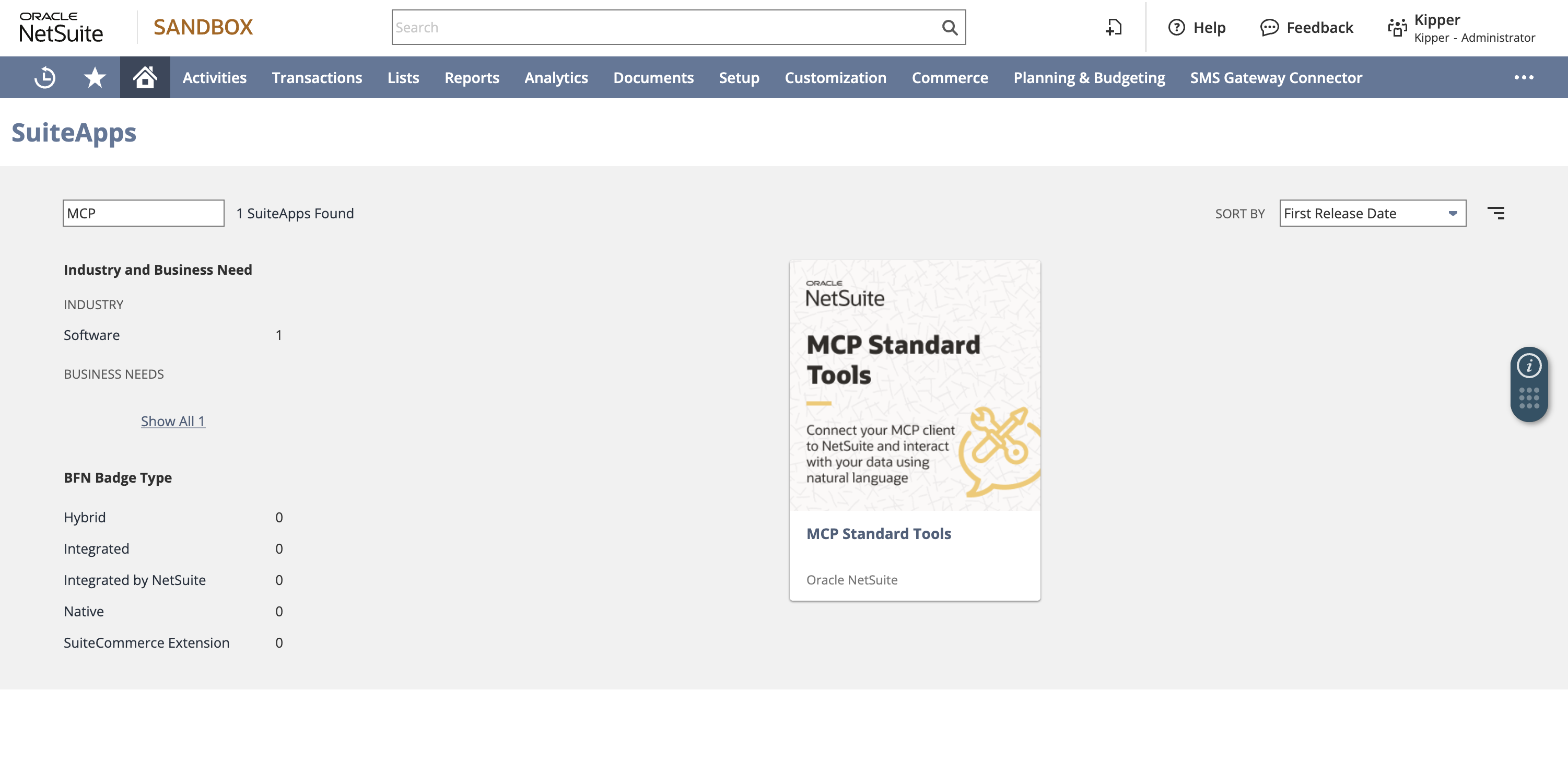 Install MCP Standard Tools from NetSuite’s SuiteApp Marketplace. This is the current Oracle SuiteApp that exposes the standard MCP tool set; the older MCP Sample Tools package is deprecated.
The whole access model reduces to one thing: the NetSuite role selected at sign-in. Not the AI client, not the SuiteApp, not the prompt. Oracle blocks the Administrator role for this service, so you’re creating a dedicated role with MCP Server Connection and Log in using OAuth 2.0 Access Tokens either way; the question is how narrowly you scope it from there.
Two honest cautions. It is not read-only by default; leaving REST Web Services plus create/edit access on the role leaves the write tools live. And it authenticates per NetSuite user, which is the ceiling on how many people can use it.
Choose it when: an admin or developer is connecting a small number of named users to a scoped role, and you want the full first-party tool surface. Setup guides: Claude, ChatGPT, Codex.
Custom MCP tools built with SuiteScript
When the standard tools can’t express the workflow, you can build your own with SuiteScript and SDF and publish them through the same AI Connector Service. The payoff is real: a custom tool encodes your logic once, instead of asking a model to improvise SuiteQL against your field IDs every time it’s asked the same question.
The cost is that it’s a production integration. Tool surface, role scope, sandbox testing, what it’s allowed to change, rollback plan. And unlike the standard path, the integration record is configured by hand rather than appearing on first connection.
Choose it when: you have named, repeatable workflows and NetSuite developers to own them.
A community local MCP bridge
A local stdio process that fronts Oracle’s hosted service so an IDE-style client (Claude Code, Cursor, Gemini CLI) can reach it when it can’t complete Oracle’s remote OAuth and streamable-HTTP flow directly. It is a workaround for a client limitation, not a different data path: the data still comes from Oracle’s endpoint under your role.
It’s also a third-party package sitting in front of business data. Review the maintainer, source, dependency tree, OAuth callback behavior, and the exact tool list, then pin the version. Free to install; not free to own.
Choose it when: your client genuinely can’t reach Oracle’s endpoint, and a security review is something you can actually schedule. Walkthrough: How to Set Up a Local NetSuite MCP Bridge.
CData: two different offerings
CData appears twice in this market and the two get confused. The CData NetSuite MCP Server is an open-source local Java server that exposes NetSuite through CData’s JDBC driver to local clients: intentionally read-only, but the commercial driver and its configuration are yours to license and maintain. Separately, CData Connect AI is the commercial hosted product: a remote MCP endpoint over live NetSuite data alongside hundreds of other sources.
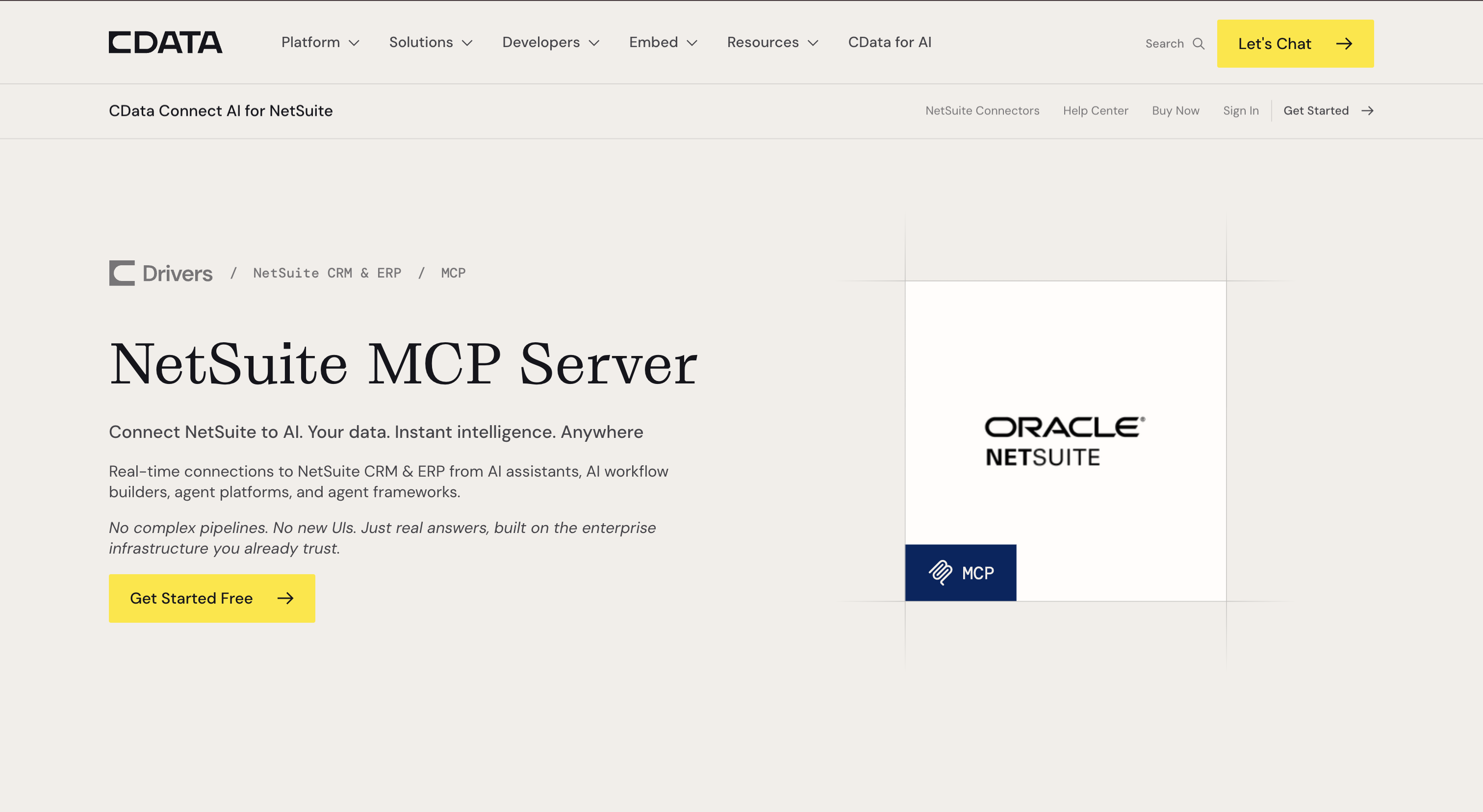 CData offers a NetSuite MCP path for teams that want SQL-style access through CData’s driver and AI connectivity stack.
Choose CData when: you think in SQL and drivers (open-source route), or IT is standardizing AI access across many systems and NetSuite is one source among several (Connect AI route).
Hosted gateways and agent platforms
A crowded category that all resolves to the same shape: a vendor holds the NetSuite connection and exposes selected actions to an assistant.
- Zapier NetSuite MCP: selected NetSuite actions behind a secure MCP URL, next to thousands of other app actions. Action-first, priced on plan and task usage.
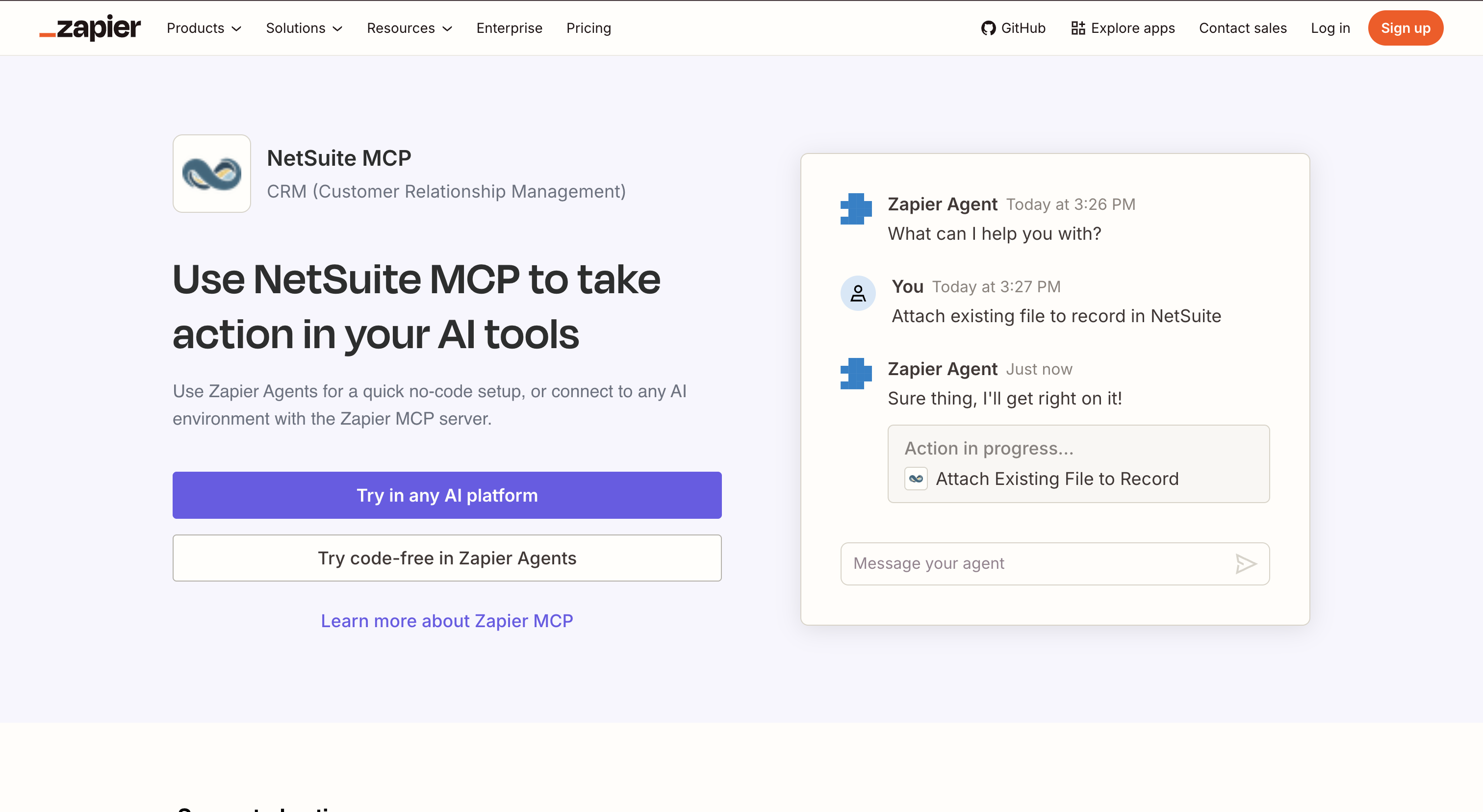 Zapier exposes NetSuite through its automation catalog, which is useful for action workflows but different from Oracle’s MCP Standard Tools surface.
- Composio: NetSuite as a hosted toolkit for agents, with managed OAuth and tool-router MCP access across agent frameworks.
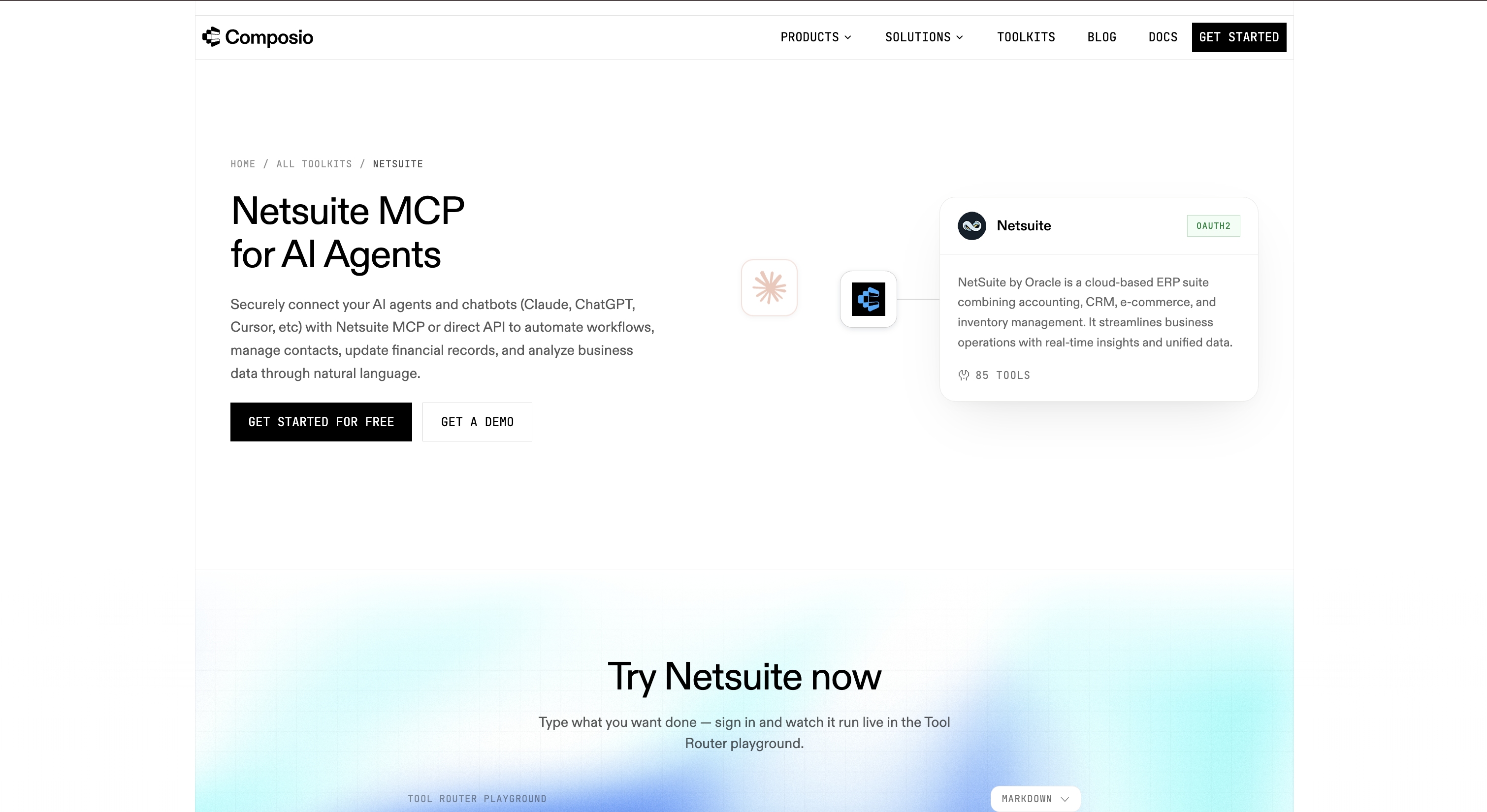 Composio packages NetSuite as a managed toolkit for agent builders that want hosted auth and tool routing.
- Workato and Tray.ai: enterprise MCP and agent-gateway layers with RBAC and observability, strongest when NetSuite is one of many systems an agent orchestrates.
 Workato positions NetSuite access inside a broader enterprise orchestration and agent gateway stack.
 Tray.ai is another enterprise gateway route when NetSuite is one of several systems an agent needs to coordinate.
Two things to hold onto here. The tool surface follows the platform’s action catalog, not Oracle’s MCP Standard Tools, so “NetSuite MCP” on a gateway is not the same surface as NetSuite MCP natively. And these are read-write by design; the governance you get is the platform’s, layered on top of whatever NetSuite connection the platform holds.
Adjacent but not MCP: iPaaS and unified-API products such as Celigo, Boomi, MuleSoft, Merge, and Apideck connect to NetSuite well and belong in an integration shortlist, but none of them is a NetSuite MCP endpoint for an AI client. The ultimate guide labels each one.
Choose a gateway when: you want an agent taking actions across NetSuite and other systems, and trusted operators hold the connection.
Kipper
Kipper is built for a different user than everything above: the people who want an answer, not a tool surface. One connection an admin authorizes, read-only by architecture, permissions set per user or team in a Kipper portal, and every question and answer logged. It answers in Slack, Microsoft Teams, and by text today, with Claude, ChatGPT, and Gemini through the Kipper MCP beta.
Those interfaces all work against NetSuite the same way: the same question asked from Slack, a ChatGPT thread, a Claude project, Gemini, or SMS returns the same answer. For the NetSuite records behind those answers, see Kipper for NetSuite.
Kipper sits in front of NetSuite as a read-only answer layer for teams asking finance questions in plain English.
The relevant distinction is who needs the answer. A company may have a small group working in NetSuite and a much larger sales, service, or warehouse team asking operational questions such as “is this invoice paid?” Kipper is designed to extend governed, read-only answers to those non-finance teams in the tools they already use. Pricing is $1,000/month for up to 20 active users, plus $25/month per additional active user (pricing as of August 2026).
The honest trade-offs: it cannot take actions, it reads a defined set of finance records rather than the whole NetSuite surface, and it is a paid product. It also doesn’t replace Oracle’s service or its role model; the connection underneath is still governed by a NetSuite role.
Choose it when: the people asking are sales, service, warehouse, ops, or executives, and read-only plus per-user permissions plus an audit trail are requirements rather than nice-to-haves.
The comparison at a glance
| Oracle native | Custom SuiteScript tools | Local bridge | CData (OSS / Connect AI) | Gateways (Zapier, Composio, Workato, Tray) | Kipper | |
|---|---|---|---|---|---|---|
| Built for | Admins, developers | NetSuite developers | Developers on IDE clients | SQL users / data teams | Automation and agent builders | Whole-company askers |
| Runs | Oracle hosted | Oracle hosted | Local process + Oracle endpoint | Local Java / CData cloud | Vendor cloud | Kipper cloud |
| Tool surface | Oracle’s standard tools | Whatever you build | Oracle’s tools, via the bridge | SQL over JDBC / platform tools | The platform’s action catalog | Defined finance records |
| Write access | Yes unless the role forbids it | Whatever you build | Inherits the role | No (OSS) / vendor-scoped | Yes, action-oriented | Impossible by architecture |
| NetSuite seat per asker | Yes | Yes | Yes | Driver/source connection | Platform-managed connection | No |
| Per-user permissions | NetSuite role per user | NetSuite role per user | NetSuite role per user | Driver / platform auth | Platform RBAC | Yes, set in Kipper |
| Audit trail | NetSuite login and usage logs | NetSuite logs | NetSuite logs | Platform logging | Task/run history | Every Q&A logged |
| Slack/Teams/SMS answers | No | No | No | No | Workflow-dependent | Yes, same connection |
| Cost shape | NetSuite licensing per user | Build + maintenance | Your time + review | Driver licence / subscription | Plan + usage | $1,000/mo up to 20 active users |
Cells reflect vendors’ own documentation and product pages, linked below. This category changes monthly, so re-verify before you decide. Pricing as of August 2026.
The two questions that sort the market
Read or write? Oracle’s native path (unless the role forbids it), custom tools, and every gateway can change NetSuite data. CData’s open-source server and Kipper cannot. Decide which camp you’re in before comparing tool counts: an AI that reads badly hands someone a wrong number, while an AI that writes badly posts a transaction. If you want write workflows, restrict who holds the connection and prove it in sandbox first.
One user or the whole company? Native MCP is one NetSuite user, one role, one connection. That fits analysts who already work in NetSuite. A warehouse or sales team that needs governed answers in its everyday tools has different workflow and administration requirements. The gap between raw tools for a NetSuite user and governed answers for non-finance teams is the real product boundary in this list, and no tool count captures it.
The limitation nobody mentions: role scope is the whole security model
Every native option above inherits one thing: the NetSuite role. Not the AI client’s permissions, not the SuiteApp’s, not the prompt’s. A model asked a broad question will reach for whatever the role allows, and SuiteQL is broad by nature: if the role can see it, a query can return it. Prompt instructions are not a control.
That has two practical consequences. First, role design is the project, not a setup step: start from a dedicated non-administrator role with view-level access to the record types in scope, and add rather than subtract. Second, “read-only” on the native path is a role decision you have to make and re-verify, since the write tools ship in the box. NetSuite MCP permissions explained has the layer-by-layer breakdown and least-privilege matrices.
FAQ
Is there an official NetSuite MCP server?
Yes. Oracle ships the NetSuite AI Connector Service, and the MCP Standard Tools SuiteApp is the prebuilt tool set that runs on it: record tools, report tools, saved-search tools, and SuiteQL, hosted by Oracle at your account’s SuiteTalk endpoint. There is no server for you to run.
Is there a free NetSuite MCP server?
The tools are part of your NetSuite account rather than a separate purchase. Every person asking authenticates with a NetSuite user and role. Community bridges are free to install, but require security review and ongoing maintenance.
Which NetSuite MCP option is safest for company data?
One that cannot write. Oracle’s SuiteApp ships ns_createRecord and ns_updateRecord, so a native connection is only read-only if the role is designed that way. CData’s open-source server is read-only by design, and Kipper is read-only by architecture. Action-first gateways like Zapier are built to change data, so scope them tightly.
Can my whole company use a NetSuite MCP connection?
Not on the native path: Oracle’s service authenticates each person as a NetSuite user with a NetSuite role. For sales, service, and warehouse teams that do not work in NetSuite directly, companies often use a managed layer with one admin-authorized connection and permissions per person or team.
Do I need the MCP Standard Tools SuiteApp?
For the standard path, yes: the AI Connector Service is the transport and the SuiteApp is what supplies the tools. Install it from the in-account SuiteApp Marketplace and check the publisher reads Oracle NetSuite. The retired MCP Sample Tools SuiteApp is a different, deprecated package.
What is the difference between Oracle’s connector and Kipper?
Oracle’s AI Connector Service connects an AI client to NetSuite tools, governed by a NetSuite role, one role per connection, one NetSuite user per person asking. Kipper is a managed answer layer over one admin-authorized connection: read-only by architecture, permissions set per user or team in Kipper, and every question logged. Kipper does not replace Oracle’s service or its role model.
Wondering what any of these can actually answer? See 30 Questions You Can Ask AI About Your NetSuite Data.
Setting up the native path yourself? Start with How to Connect NetSuite to Claude Using the NetSuite Connector, and keep NetSuite MCP troubleshooting open.
Want governed answers instead of raw tools? See Kipper’s NetSuite MCP connector.
New to NetSuite’s own AI? See NetSuite AI Connector Service: what it is and what it costs.
Sources
- Oracle: NetSuite AI Connector Service FAQ
- Oracle: MCP Standard Tools SuiteApp
- Oracle: Available Tools in the MCP Standard Tools SuiteApp
- Oracle: Required Features and Permissions
- Oracle: Associated Risks, Controls, and Mitigation Strategies
- CData NetSuite MCP server (open source), GitHub · CData NetSuite MCP
- Zapier NetSuite MCP · Composio NetSuite toolkit · Tray Agent Gateway
- Model Context Protocol specification